Less managing. More making.
Other tools give you a board to update. Attune Projects puts AI teammates in every corner of the project: they turn the call into tasks, draft the reply to the client, pick up the work and keep the plan current. Your people steer, approve, and spend their time on the creative work and the client.
When did updating a board last move the work?
Most project tools are filing cabinets with a login: they record what people already did. Attune Projects hands the busywork to a team of agents, so your people spend their week on what only people do: the ideas, the craft, the calls, the client.
Instead of: A board you update by hand
A board that updates itself, because agents move their own tasks
Instead of: AI as a chat box bolted to the side
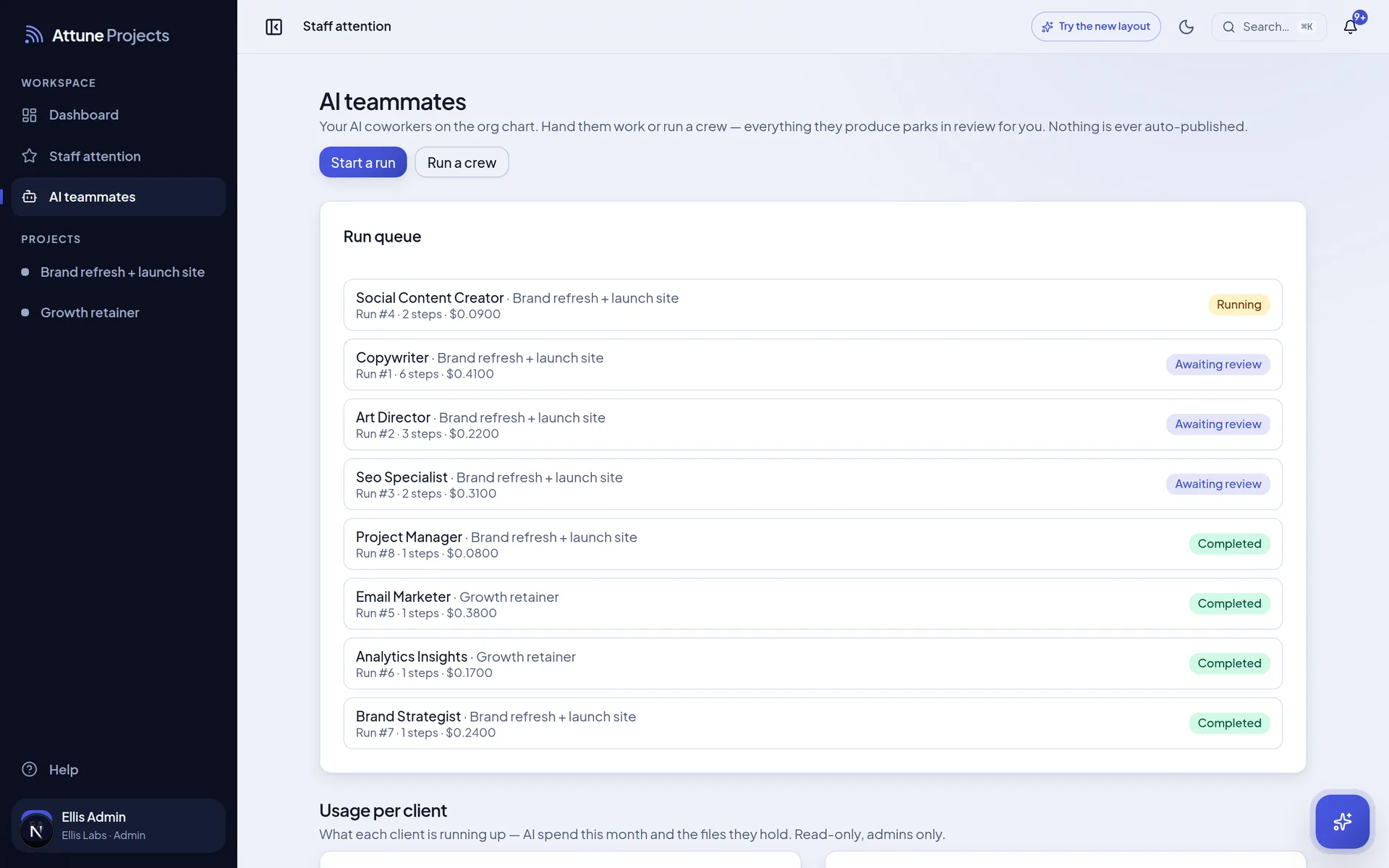
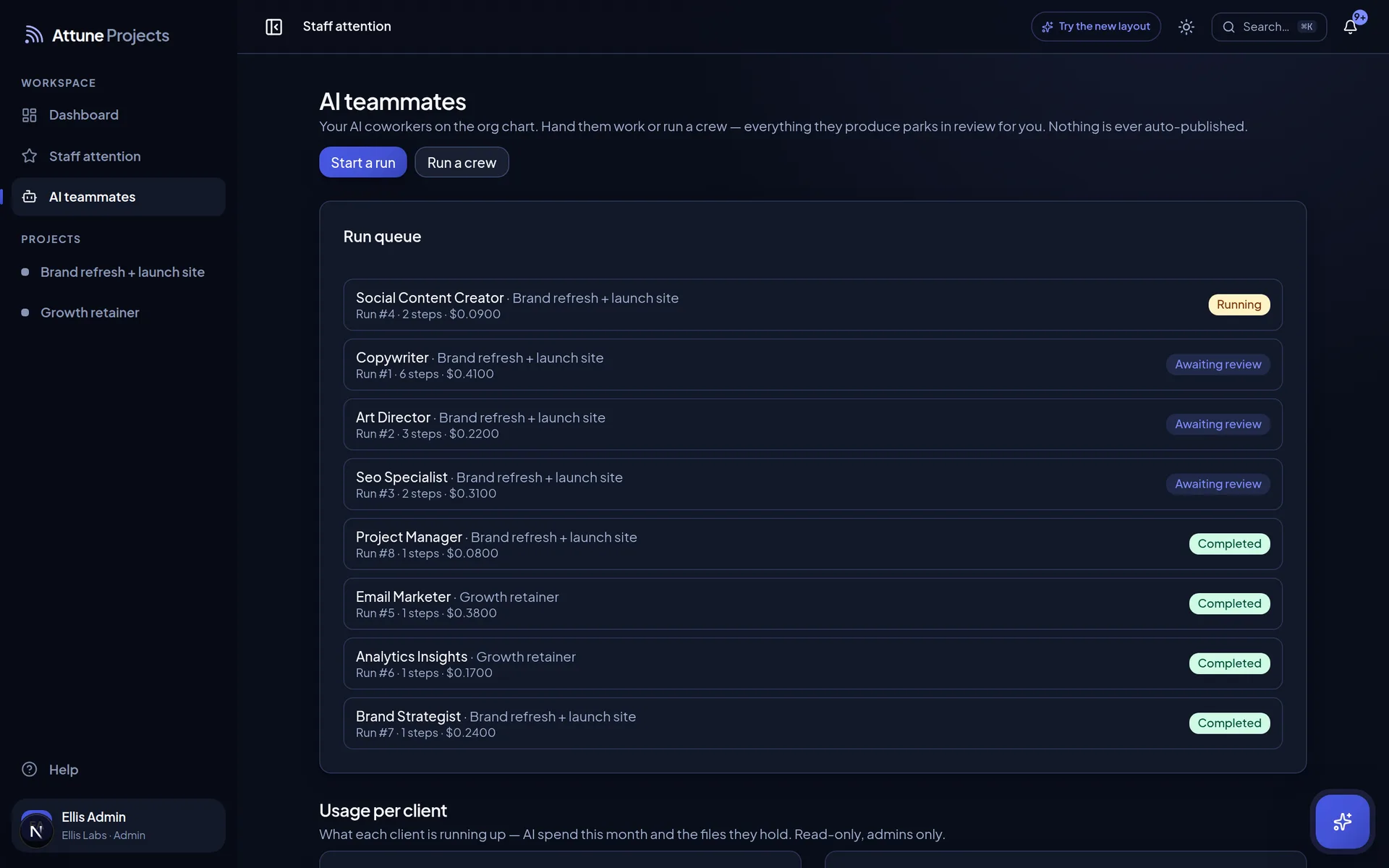
AI teammates with a role, a playbook, tools and their own queue
Instead of: A status meeting to find out what happened
A trail for every run: what it read, what it did, what it spent
Instead of: One more tab to check
Run it from Claude, ChatGPT or Grok, wherever you already think
Instead of: Decks and prototypes lost in email threads
Presentations that live at a link, versioned
One week on a project
Where does a project’s week actually go?
Into the gaps between the work. The recap after the call, the reply the client is waiting on, the scope question, the Friday update. That’s where the agents live: not in a chat box off to the side, but in every one of those gaps, and each one ends with a person saying yes.
A project that remembers
- Nobody retells the story. Every message, comment and meeting is searchable by meaning, so the answer to “why did we do that?” is one question away.
- Feedback sticks. Send work back with notes and the next run starts from them, along with the client’s own requests.
- Context arrives first. Before a word is drafted, the teammate has read the task, its dependencies, the thread and every approval.
Tue 10:40The kickoff call transcript lands on the meeting.
AI teammateTL;DR written, three decisions logged, five tasks proposed. Two of them are the client’s homework.
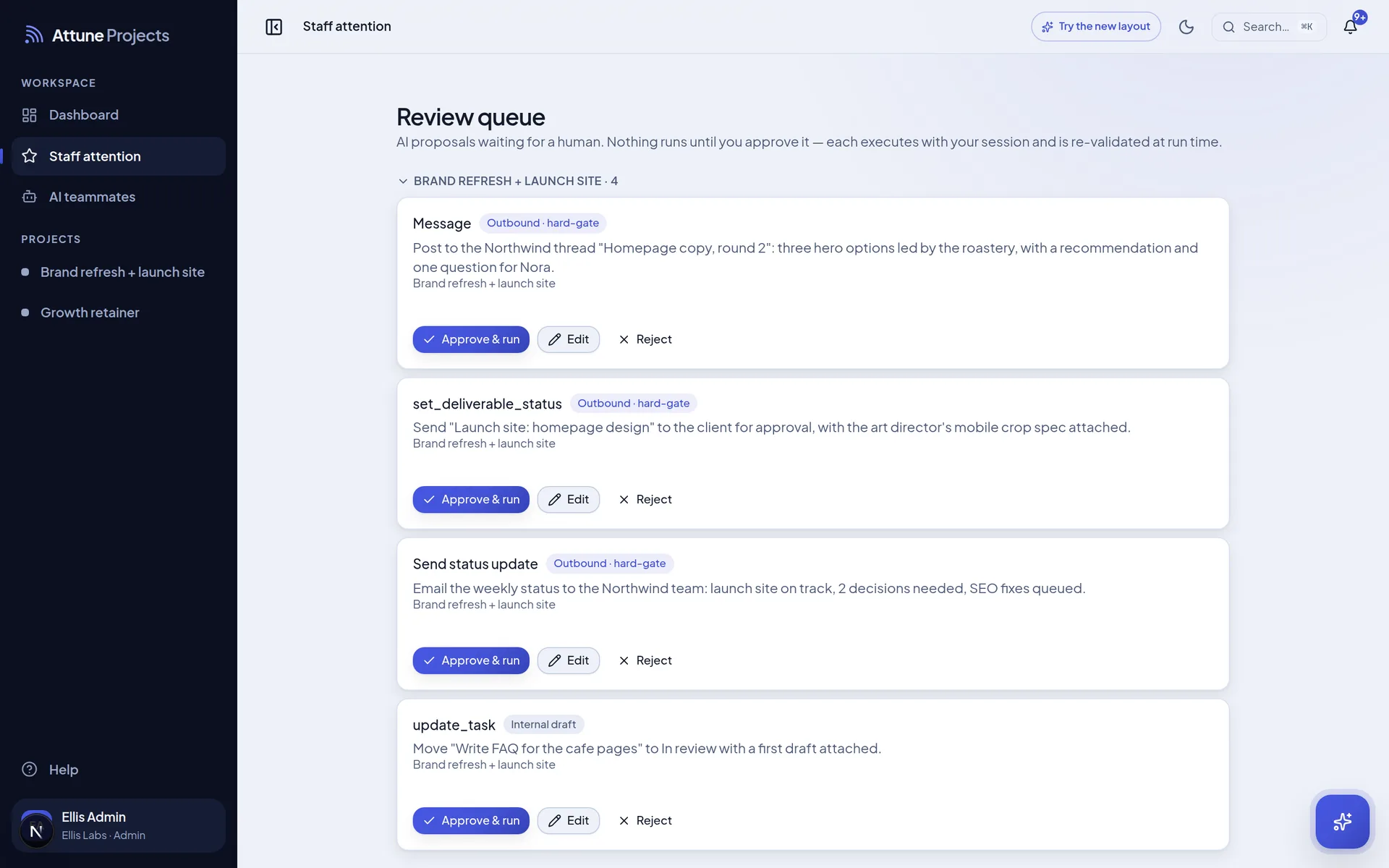
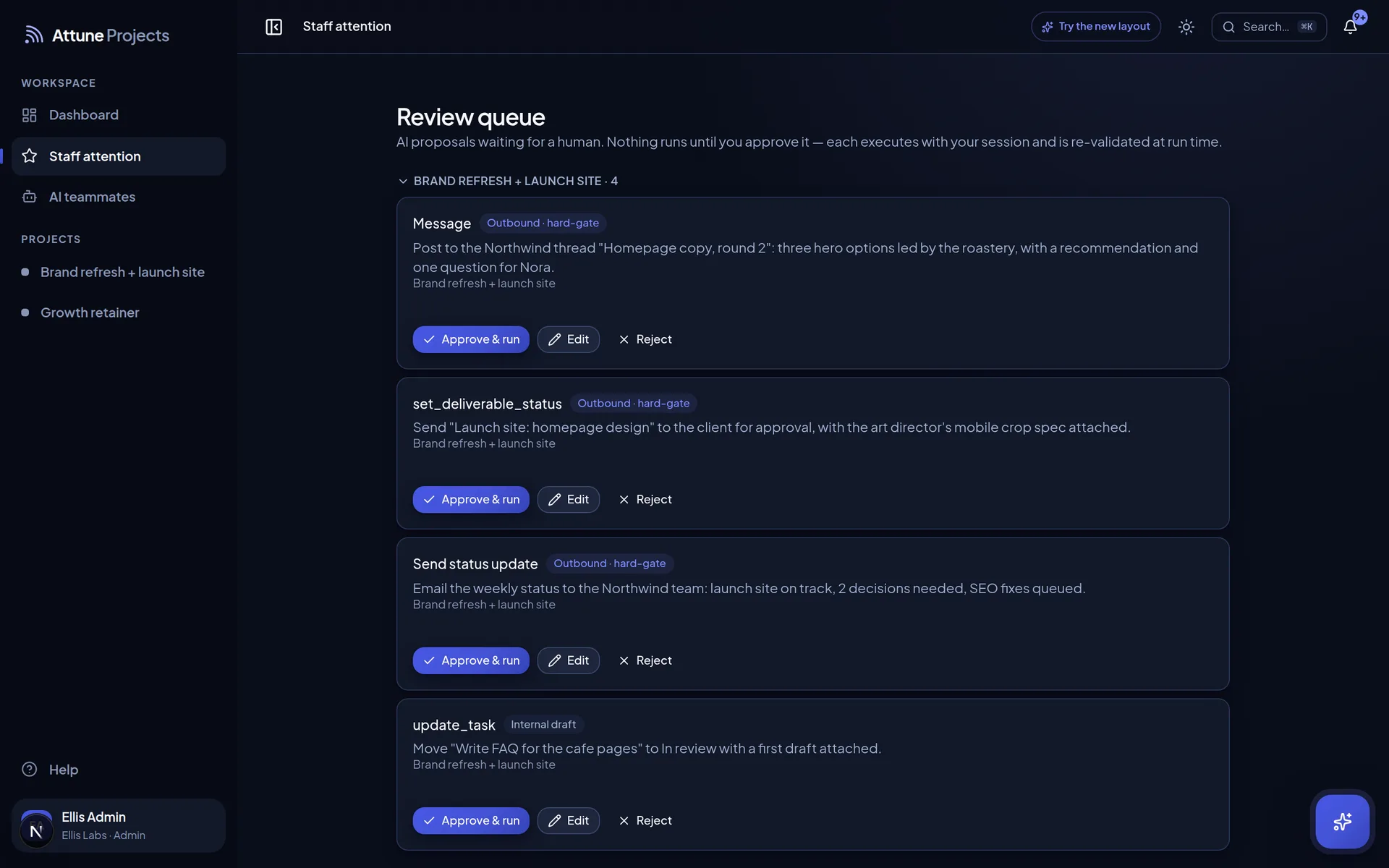
Each task waits for your yes
Tue 14:12Dana at Northwind asks if the launch date still holds.
AI teammateA reply is drafted from the plan and the last three meetings before anyone opens the thread.
Sits in your review queue
Wed 09:05“Could we add a second landing page?”
AI teammateChecked against the proposal and the change orders. Flagged as likely out of scope, with the reasoning.
Advice only. You make the call
Wed 16:30You move “Homepage copy” to In progress and leave a note.
AI teammateThe copywriter wakes up with the brief, what it depends on, the discussion and every client note.
Parks in review when done
Thu 11:15“What did we agree about the logo back in March?”
AI teammateFound by meaning, not keywords, across every project you can open, with a link to where it was said.
Only what you’re allowed to see
Fri 17:00The day winds down.
AI teammateA daily update writes itself from the activity. The client’s version holds only client-visible work.
Internal notes stay internal
Month endThirty days of shipped work.
AI teammateMonthly wins drafted from what actually shipped, ready for the account lead to sharpen.
Published only by a person
Meet the crew. Then build your own.
Twelve specialists show up on day one, each with its own playbooks. Tune them, add your own, chain them into a crew, or put the recurring work on a schedule and stop thinking about it.
Brand strategist
Positioning, audiences, voice
Creative strategist
Campaign ideas and briefs
Copywriter
Site, ad and email copy
WorkingArt director
Design direction and reviews
Web developer
Build plans, QA, performance
SEO specialist
Audits, topics, AI search
Paid media strategist
Media plans and readouts
Social content creator
Calendars and post copy
Email marketer
Flows, calendars, reporting
Analytics and insights
Tracking plans and numbers
Project manager
Board hygiene and rollovers
Account lead
Status updates and recaps
- Build your own. Give it a role, instructions, playbooks, tools and a model. It joins the roster and signs its own name.
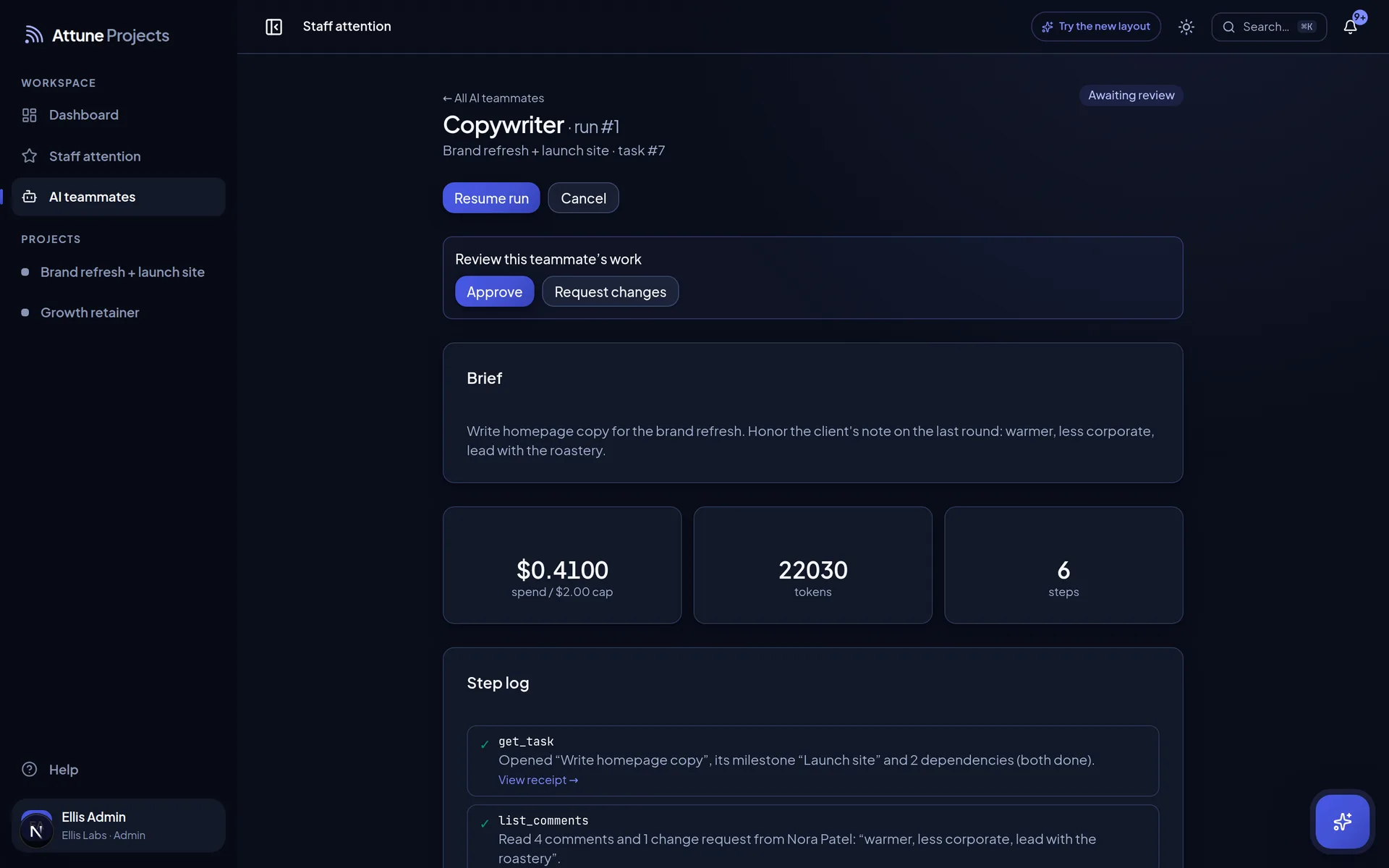
Copywriter
Run on “Write homepage copy”
- Opened “Write homepage copy” and its milestone
- Read 4 comments and 1 change request from the client
- Loaded the brand voice playbook
- Drafted three hero options with rationale
- Parked the task in review for Priya
Agents do the work. You sign off.
Assign
Hand it off
Give a task to an agent, or let a schedule do it. It starts with the whole thread: the brief, what it depends on, the discussion and every note the client left.
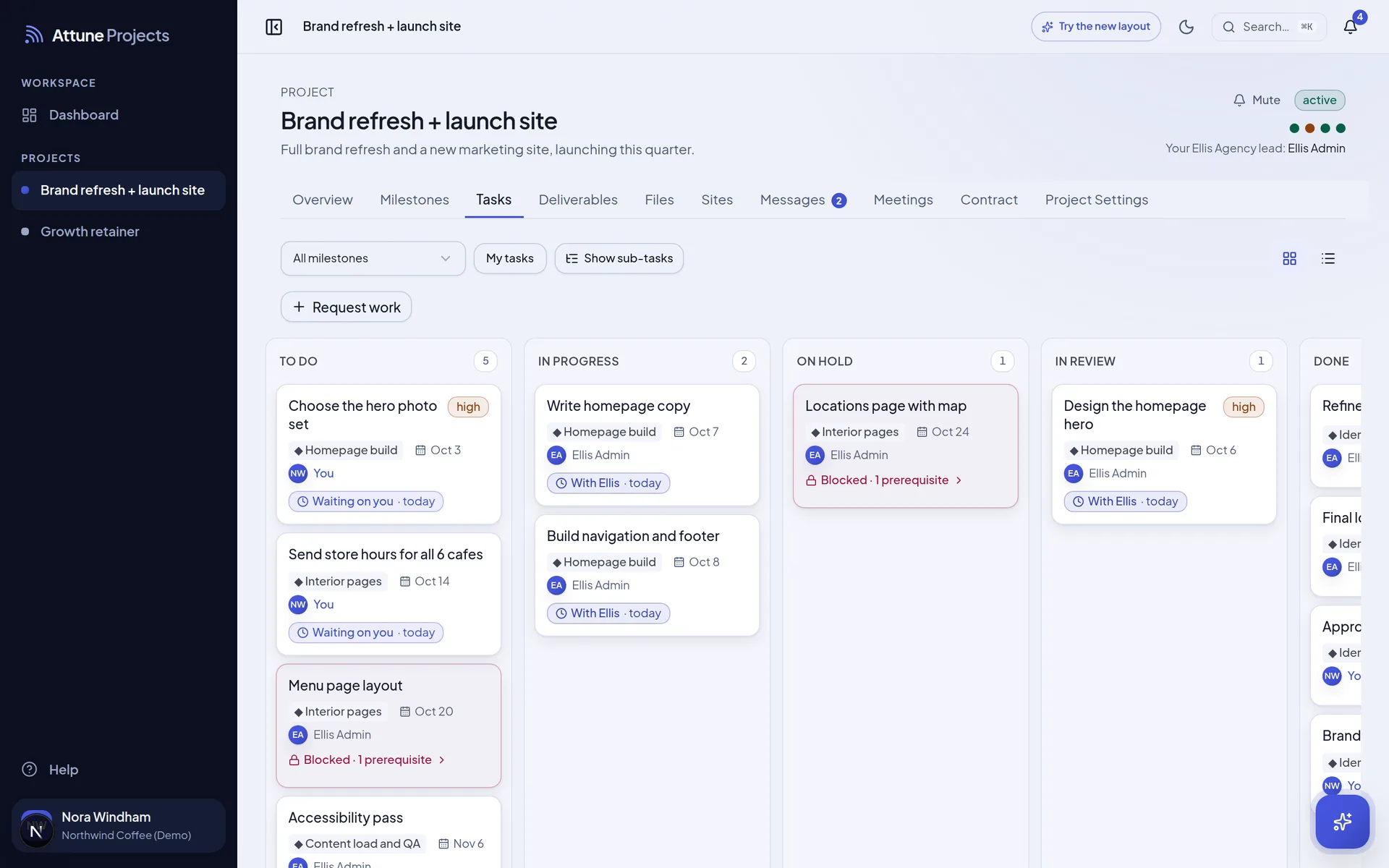
Work
It works in the open
It follows its playbooks, works with your permissions, and signs its own name to every step, every tool call and every cent against its spend cap.
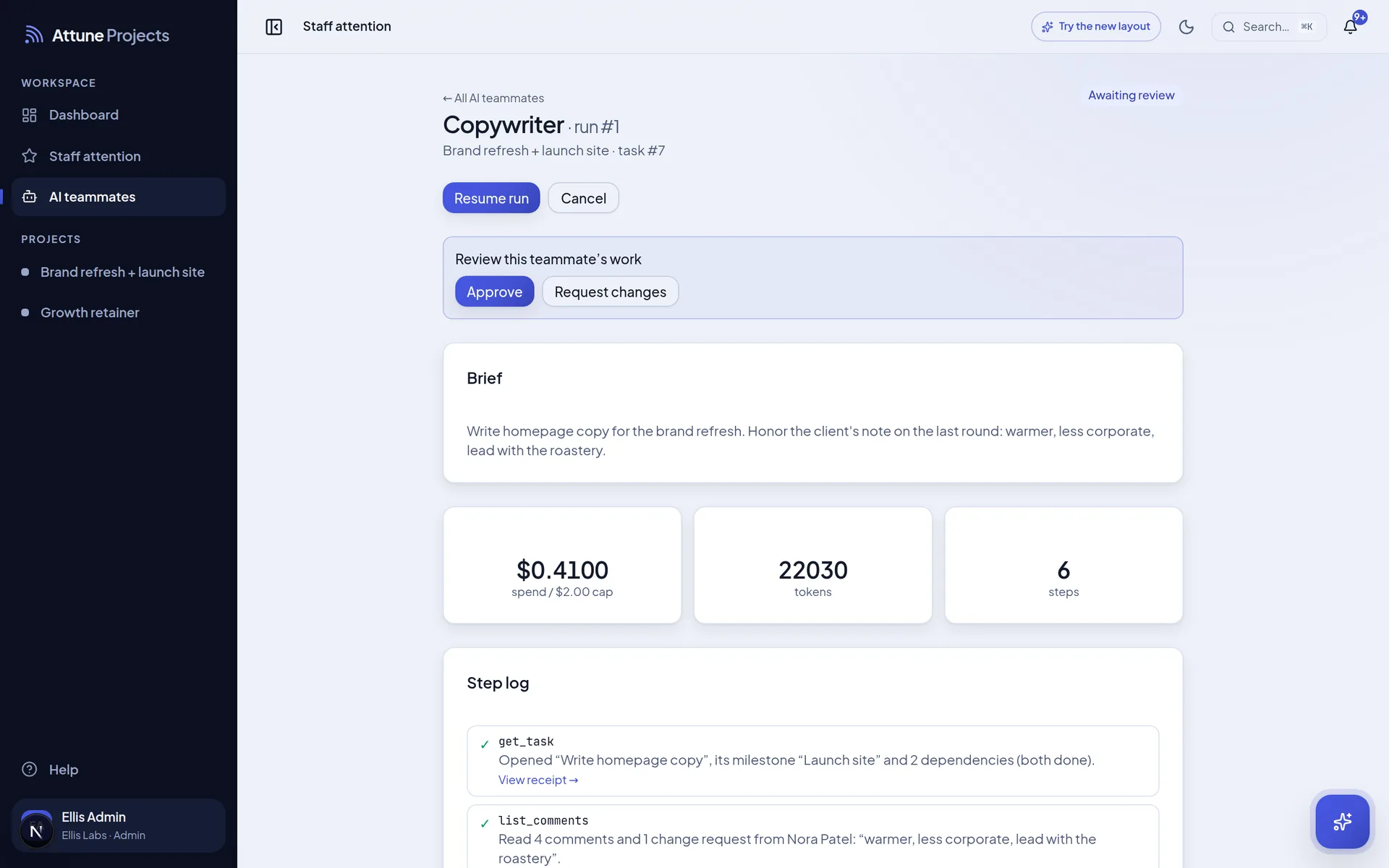
Review
Nothing ships without a person
Finished work parks in review. Approve it, or send it back with notes. The agent reads them on its next pass, like a good junior would.
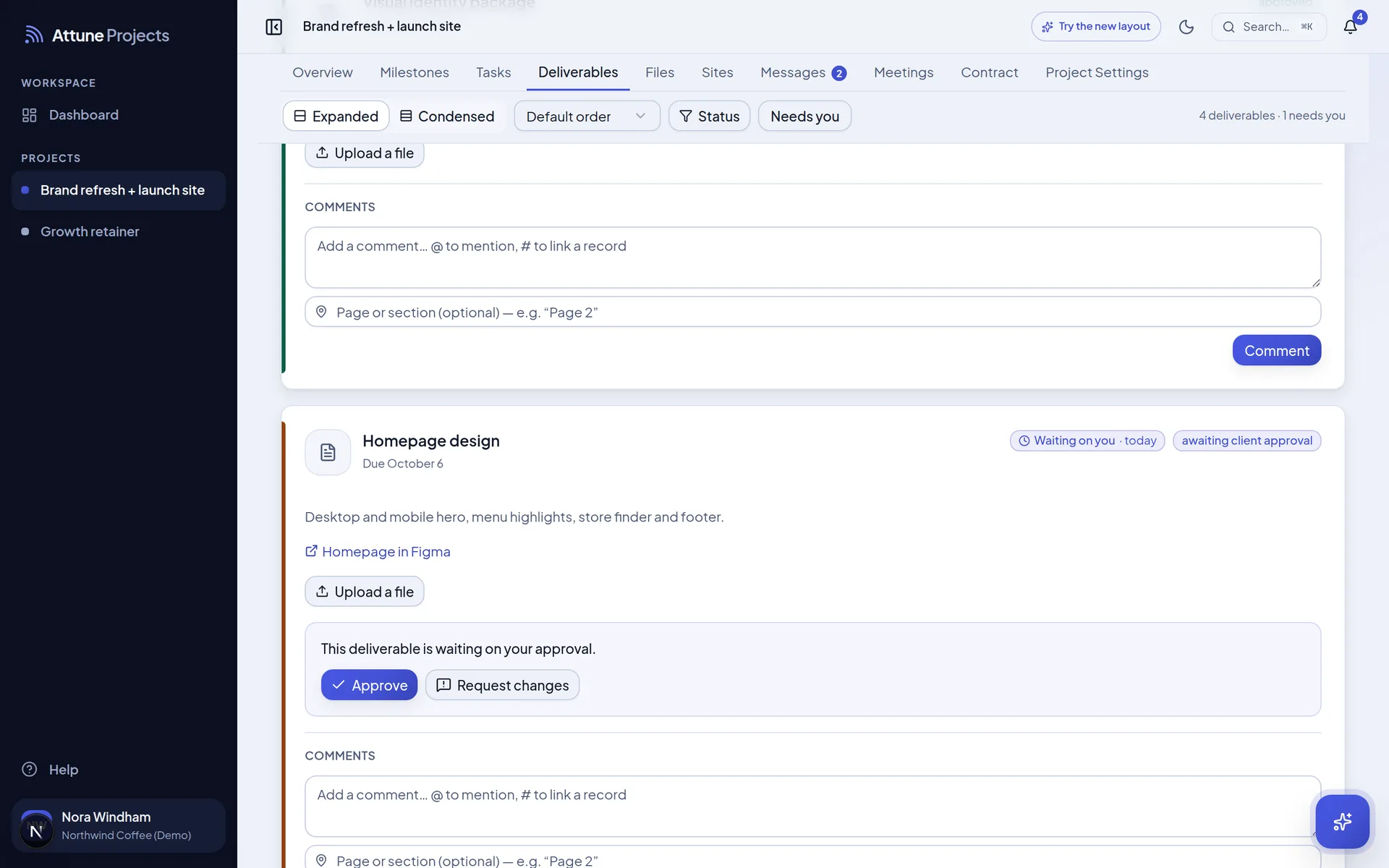
Ship
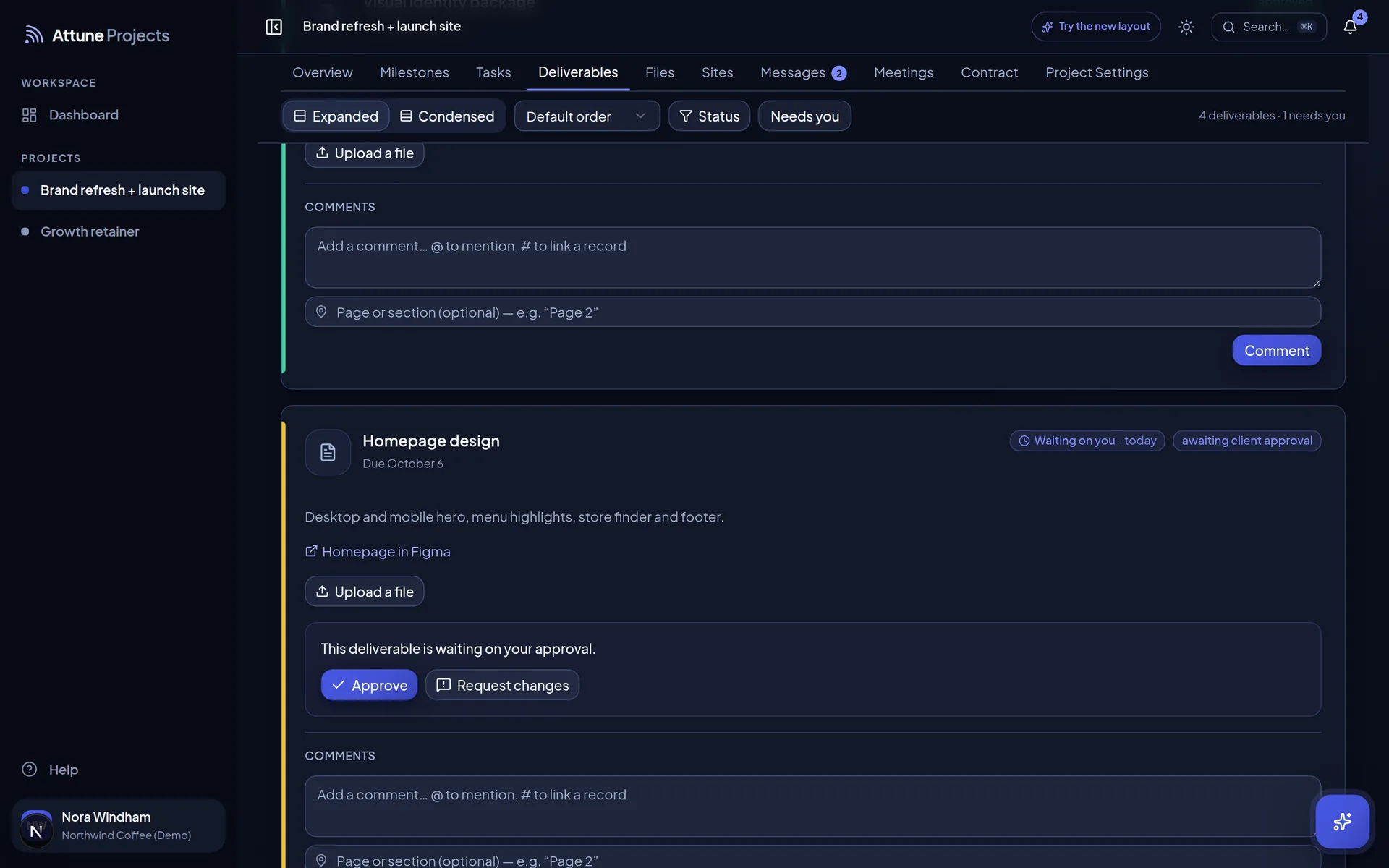
The client signs off in one click
Work lands on the deliverable it belongs to. The client approves it or asks for changes, where everyone can see.
Why learn another app? Bring the AI you already use.
Attune Projects is an MCP server. Connect it once, then ask Claude, ChatGPT or Grok to plan the sprint, file the task, start an agent or publish a site. It sees exactly what you can see, and it asks before it sends anything.
- ClaudeCustom connector
- ChatGPTMCP connector
- GrokRemote MCP
- Any MCP clientOAuth, one URL
Or stay in the app. The Attune Assistant is on every page, one keystroke away.
Bring your own model. Claude by default, or OpenAI, Gemini, Ollama and any compatible endpoint.
Attune Assistant
⌘JStarted a run for the Copywriter on “Write homepage copy”. It will read the brief, the four comments and the change request, then park three options in review for you.
- Agent run: Copywriter
- Task: Write homepage copy
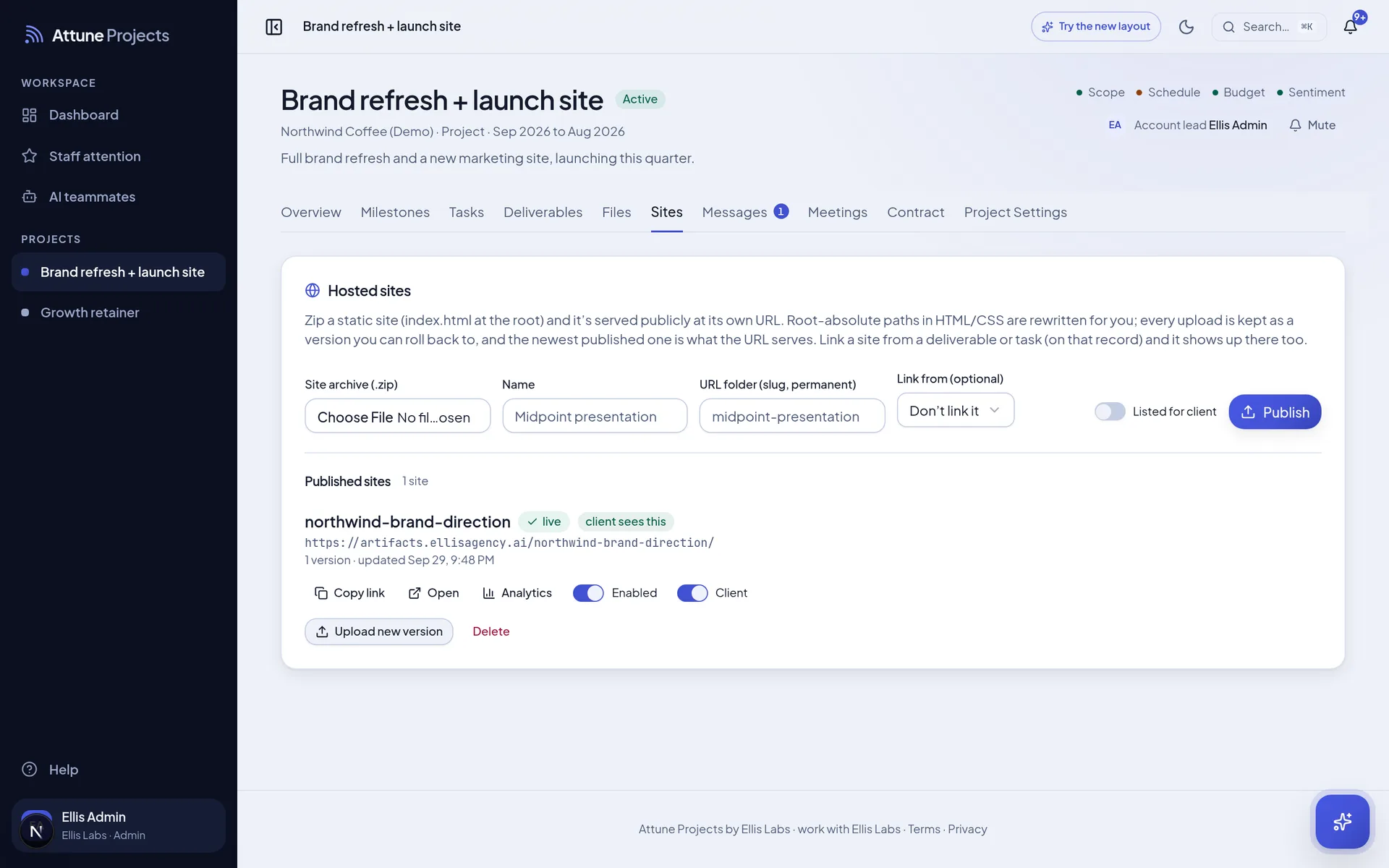
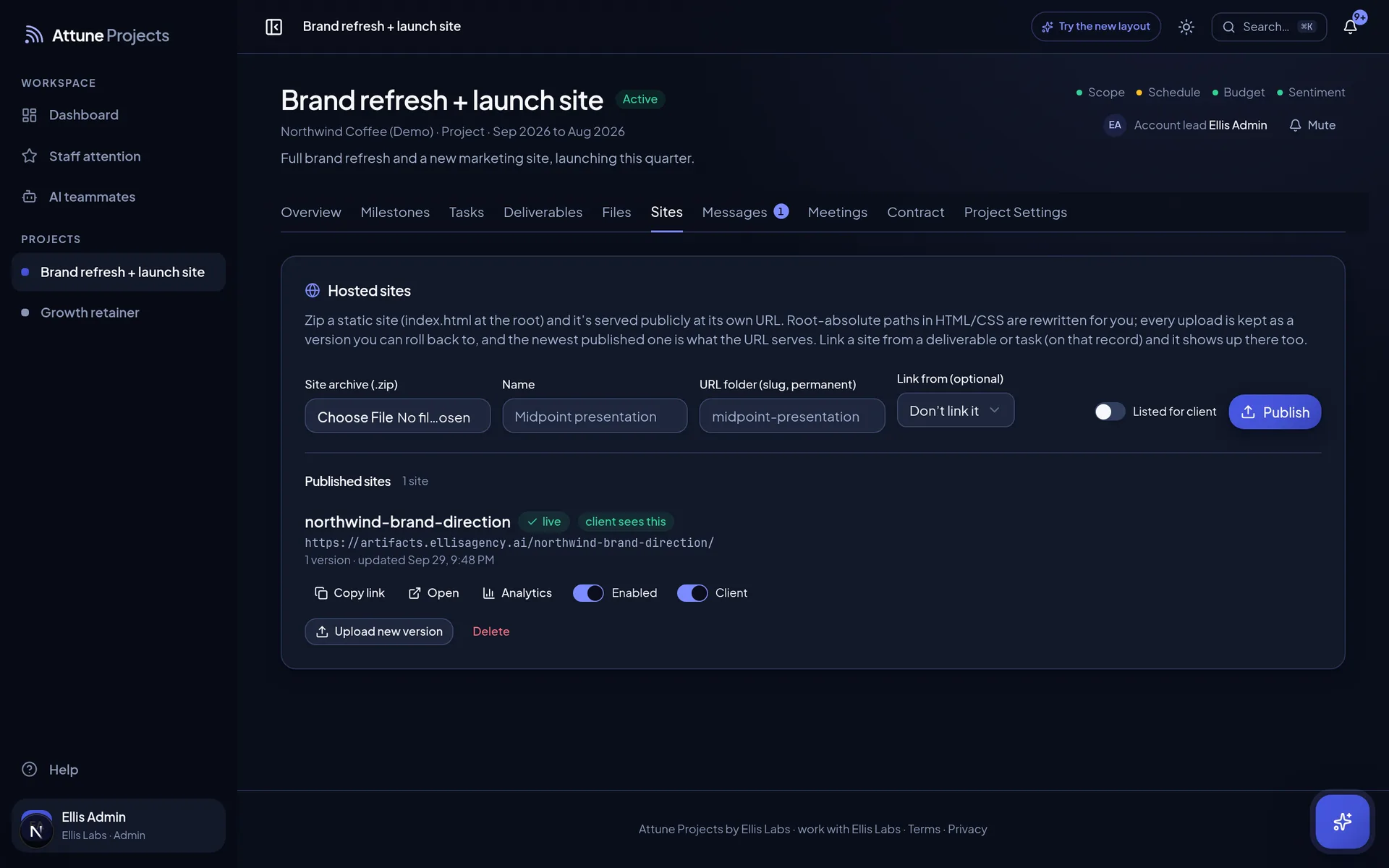
Stop attaching the deck. Send the link.
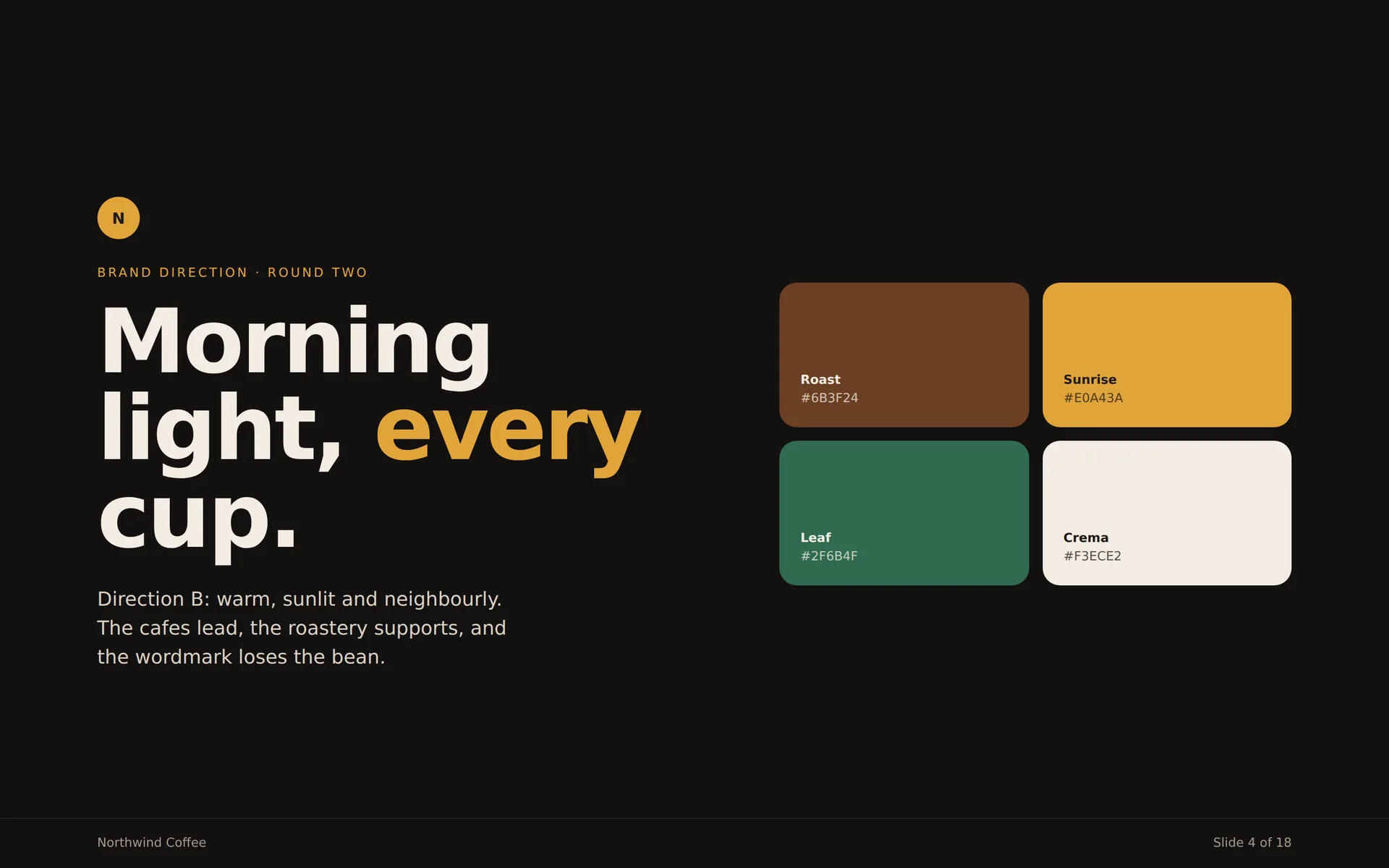
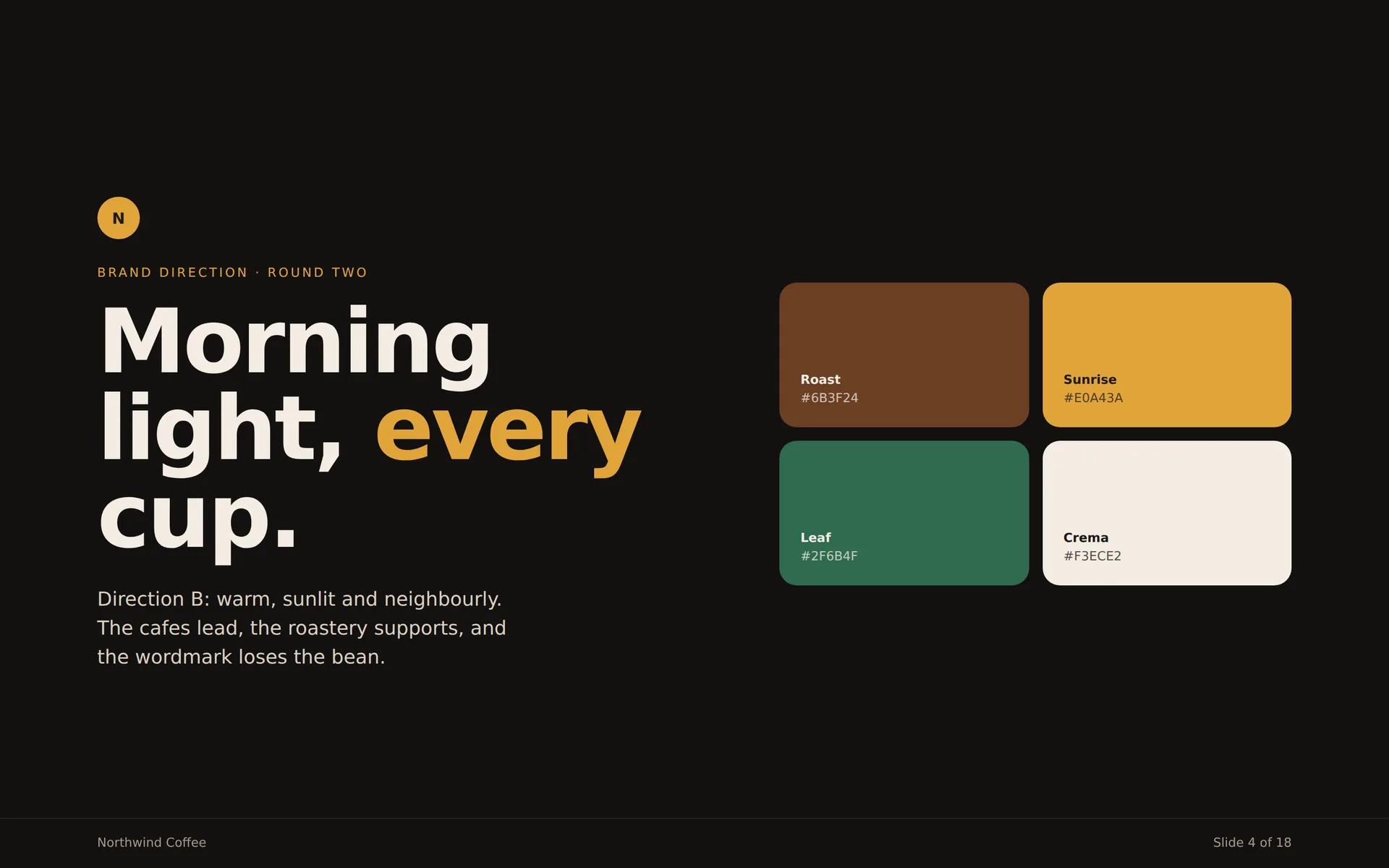
Upload a site as a zip, or have an agent publish it. Decks, prototypes, reports and microsites get their own public link, versioned and tied to the deliverable they belong to.
Any static site
Decks, prototypes, reports
Versioned
New upload, new version, rollback
Linked
From the deliverables that use it
And yes, it’s still a project system.
- AI teammates
- Agent crews
- Scheduled runs
- Roadmap
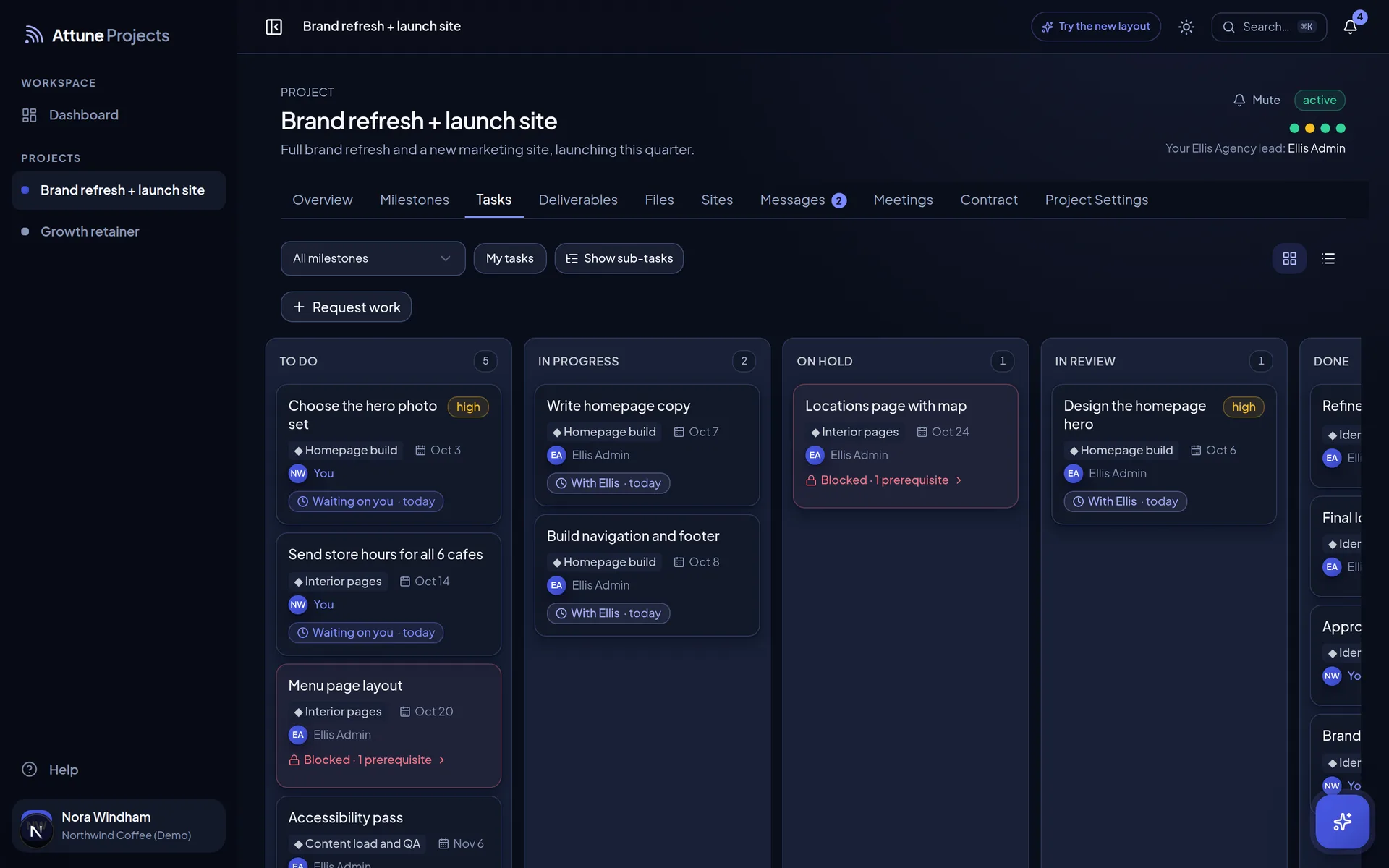
- Task board
- Deliverables
- Approvals
- Files and versions
- Conversations
- Reply by email
- Meeting notes
- Weekly status
- Contract and change orders
- Hosted sites
- Calendar feed
- AI assistant
- Claude connector
What should the client see? You decide, every time.
Everything starts internal, agent work included. Your team shares what’s ready, and each person’s role on the project decides what they can do with it.
Logo direction, round two
- Priya RamanEllis Labs
Round two of the logo is up. We tightened the wordmark and dropped the bean icon.
- Marcus OyelaranEllis Labs Internal
Internal: packaging is out of scope. Flag a change order before we mock it up.
- Dana WhitfieldNorthwind Coffee
Love the wordmark. Can we see it on the cup sleeve too?
Everything starts internal. Your team chooses what the client sees.
What would your team make with the hours back?
Already have a workspace? Sign in with the email your invite went to.